A clean path
for your next
print.
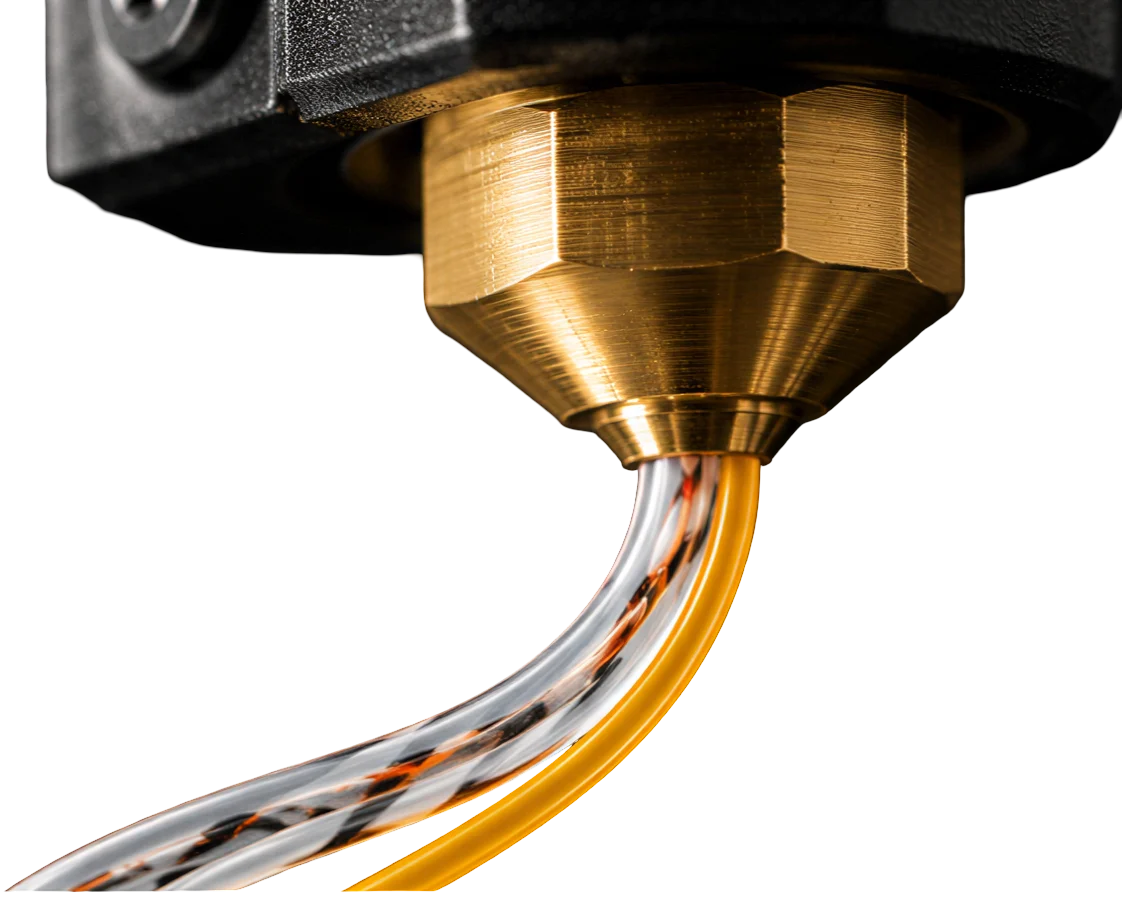
Cleaning filament to help clear residual material from your nozzle and hotend.
Pre-order purge filamentWhy purge.
Every material change can leave something behind. Residual plastic and colour can remain in the nozzle and melt zone, carrying into the next print.
Compatible cleaning filament helps move that residue out before the next material goes in.
How it works.
Choose compatible
cleaning filament.Match the filament to your printer, filament diameter, and the material you’re removing.
Follow the
temperature guidance.Use the cleaning filament supplier’s instructions and stay within your printer’s rated limits.
Purge, then load
your next material.Follow the supplier’s purge procedure, then flush out the cleaning filament with your next material.
A general overview. The right cleaning method depends on the filament and hotend you use.
Your next print.
A cleaner start.
Pre-order purge filament and make nozzle care part of your routine.
Select your shipping country to see your pre-order options.
- Purge filament · 1 EA
- Shipping
- Total
Test checkout — no real payment.
Request a pre-order.
For delivery to another country or 2.85 mm filament, send us your request. No payment is taken.